Free · browser-based · no sign-up
Pick your project
Every Designer Bee project in one place. Filter by the machine you'll use, or pick a paper craft that needs none: each card shows how long the design takes and whether you need any extra parts.
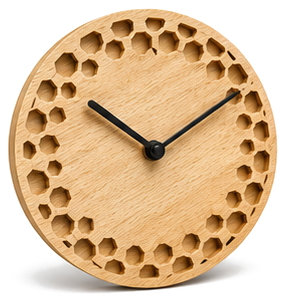
Design your own clock face
Pick a style, set the size, and export an SVG ready for laser cutting.
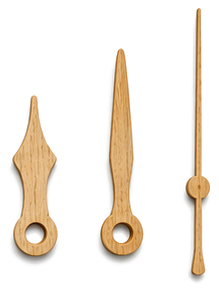
Design your own clock hands
Shape the hour, minute, and second hands, export SVG or STL.
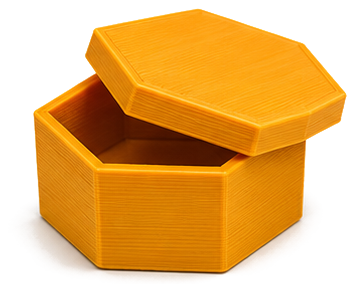
Design your own box
Rectangular, hex, or round boxes with lids and compartments. Export an STL for 3D printing.
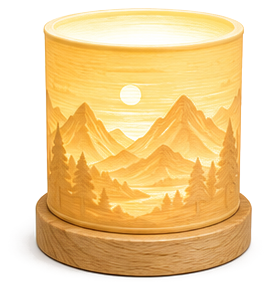
Design your own lithophane
Turn any photo into a 3D lithophane, export an STL for 3D printing.
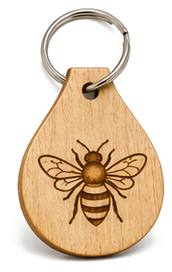
Design a laser keychain
Personalized name tag with engraved symbol, export laser-ready SVG.
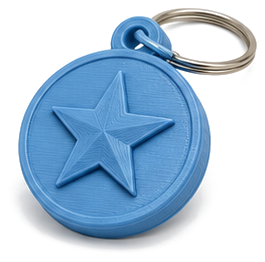
Design a 3D keychain
Raised-symbol keychain blank, export STL for any 3D printer.
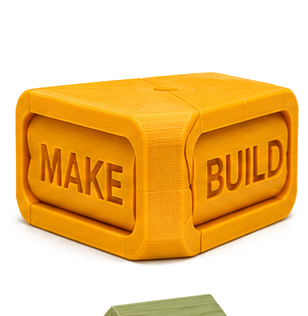
Design a text flip
Two names, one 3D print: read each from its own angle. Export STL.
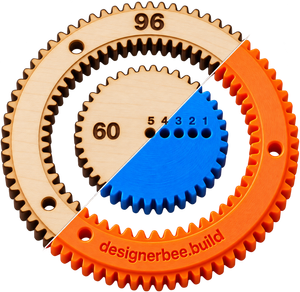
Design a Spirograph set
A toothed ring and wheels with pen holes. Pick the teeth, watch the pattern draw itself, then print or cut the set. Export STL or SVG.
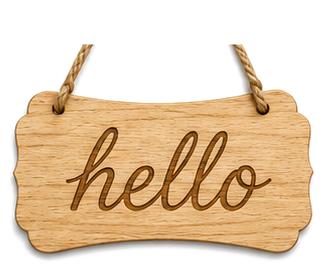
Design your own sign
Address plaques, family signs, garden markers, laser-ready SVG.
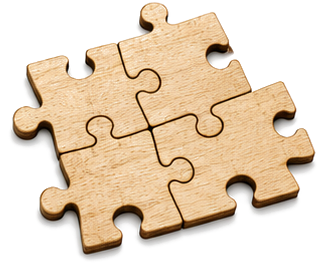
Design your own jigsaw puzzle
Upload a photo, pick a piece count, export laser-ready SVG with engrave + cut.
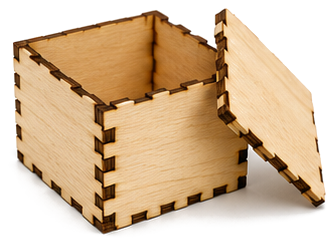
Design a finger-joint box
Flat-pack box panels with finger joints, export a single laser-ready SVG.
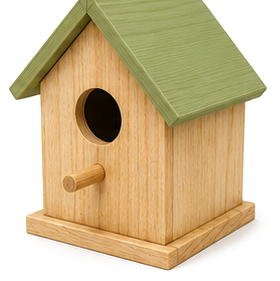
Design a bird house
Audubon-spec nest boxes for 6 species, laser-ready SVG with finger joints.
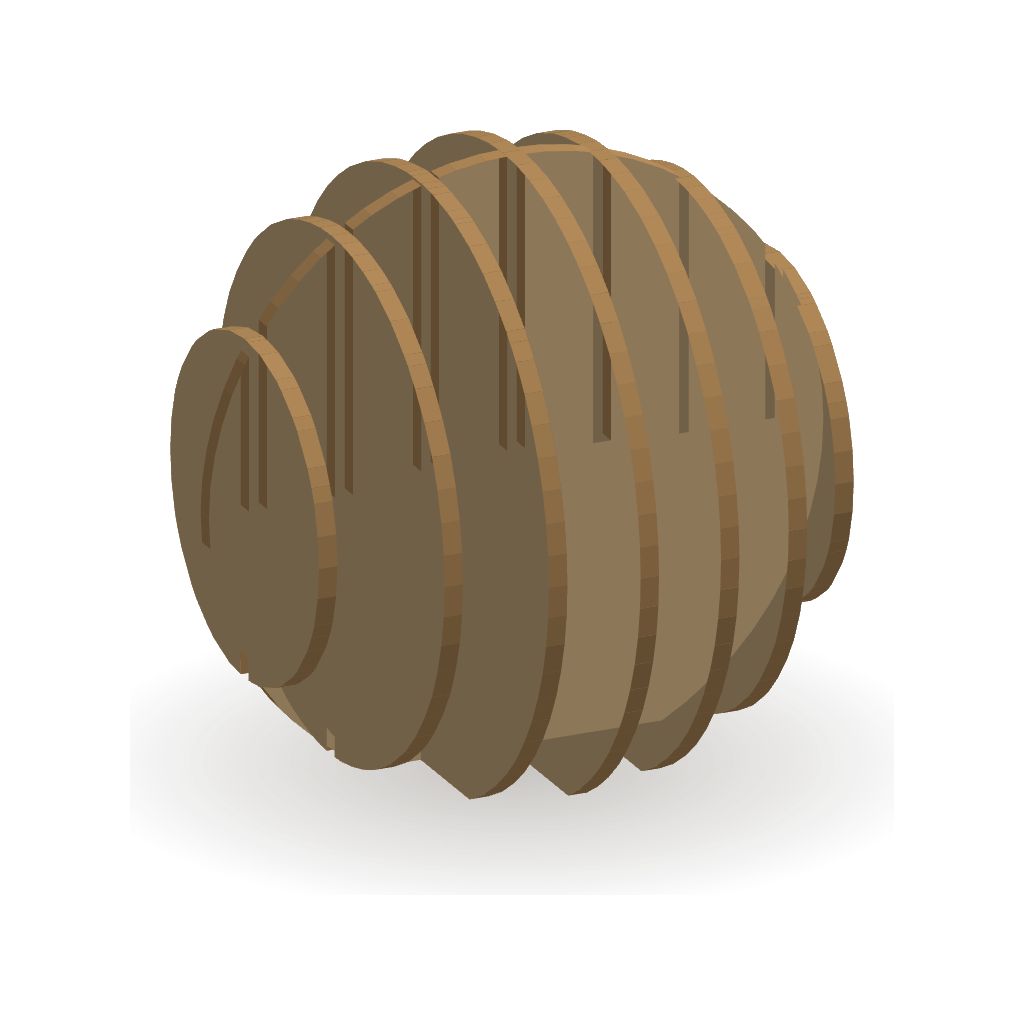
Design a slice sculpture
Turn a shape into laser-cut slices that interlock or stack, every piece numbered. Export laser-ready SVG sheets.
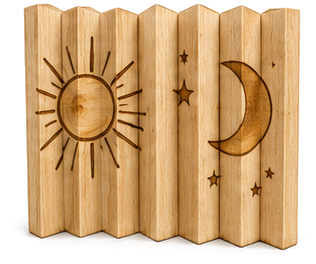
Design an agamograph
Three pictures in one engraving: left, front and right change as you walk past. Laser engrave and cut, no glue.
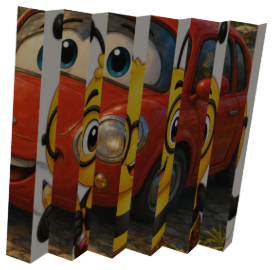
Design a paper agamograph
Two pictures on one printed page: fan-fold it and the picture changes as you walk past. Print, cut, fold. No laser needed.
Don't have a machine? Find a free library makerspace near you →
Free Design Projects for First-Time Makers
These are the design tools where beginners finish the design. Every project here is a free, browser-based generator: pick a project, customize it with a few sliders, and download a build-ready file in minutes. Laser cutting projects export SVG files with separate cut and engrave layers; 3D printing projects export clean STL files; paper craft projects export a printable PDF you cut and fold by hand. Nothing to install, no account, and your photos and designs never leave your device.
New to making? Start with a project marked Great first project: those are the ones that come out well on the very first try. If a project needs an extra part (like a clock movement kit or a split ring), its card says so up front, so there are no surprises after you print or cut.