Free · browser-based · no sign-up
Laser cutting projects
Design in your browser, download an SVG, and cut it on any laser. Each card shows design time and anything extra you'll need.
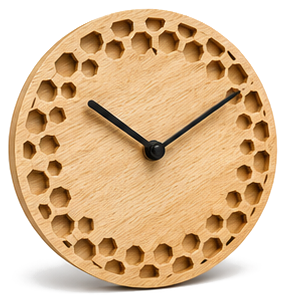
Design your own clock face
Pick a style, set the size, and export an SVG ready for laser cutting.
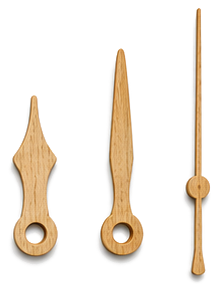
Design your own clock hands
Shape the hour, minute, and second hands, export SVG or STL.
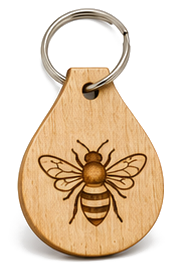
Design a laser keychain
Personalized name tag with engraved symbol, export laser-ready SVG.
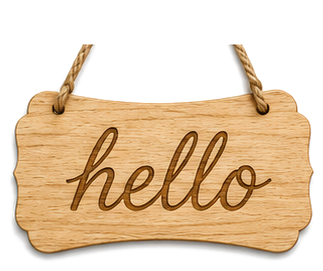
Design your own sign
Address plaques, family signs, garden markers, laser-ready SVG.
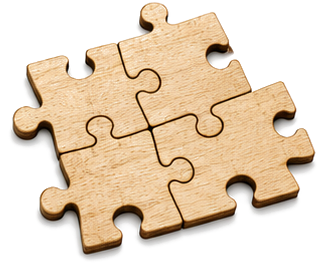
Design your own jigsaw puzzle
Upload a photo, pick a piece count, export laser-ready SVG with engrave + cut.
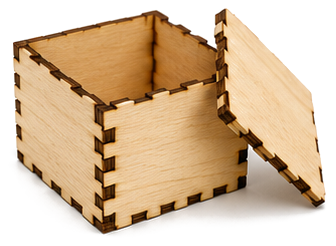
Design a finger-joint box
Flat-pack box panels with finger joints, export a single laser-ready SVG.
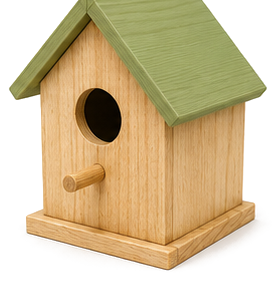
Design a bird house
Audubon-spec nest boxes for 6 species, laser-ready SVG with finger joints.
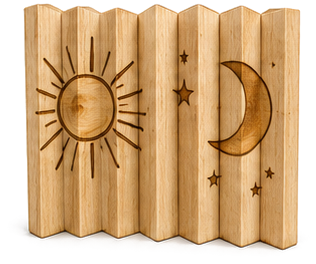
Design an agamograph
Three pictures in one engraving: left, front and right change as you walk past. Laser engrave and cut, no glue.
Don't have a machine? Find a free library makerspace near you →
Free Laser Cutting Projects for Beginners
Each of these projects generates a laser-ready SVG file in your browser, no design software, no account. The exports use real-world millimeter units with separate color-coded cut and engrave layers, so they import cleanly into LightBurn, Glowforge, xTool Creative Space, LaserGRBL, Epilog, and any other laser software that reads SVG.
3mm plywood or MDF is the sweet spot for most of these builds. Don't own a laser cutter? Many US public libraries have one you can use free with a library card, use the makerspace map link above to find one near you.